GSE SMART IPTV is a free application that gives you access to your live IPTV subscription, including movies and series.
It is compatible with various devices such as Android boxes, phones, and tablets.
Please note that the application is paid on Apple TV and MacBook.
In this tutorial, we will show you how to install and configure your IPTV subscription on GSE SMART IPTV.
GSE SMART IPTV is one of the best IPTV applications, and this guide will show you how to use it.
Method 1
After installing the application, open it and navigate to the left-hand menu.
Select XTREAM CODE API if you want to connect quickly and easily.
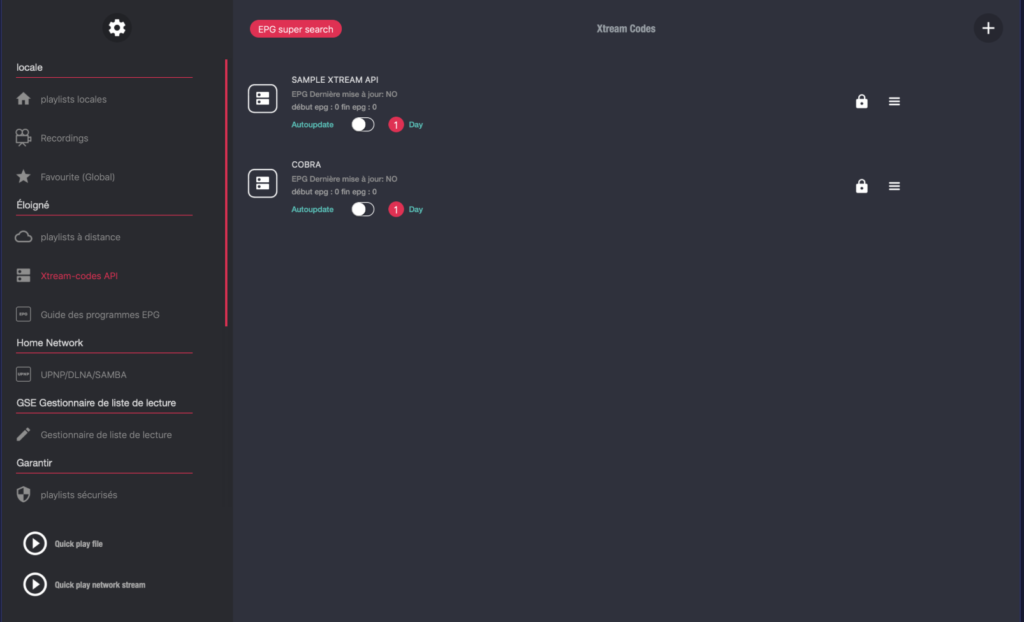
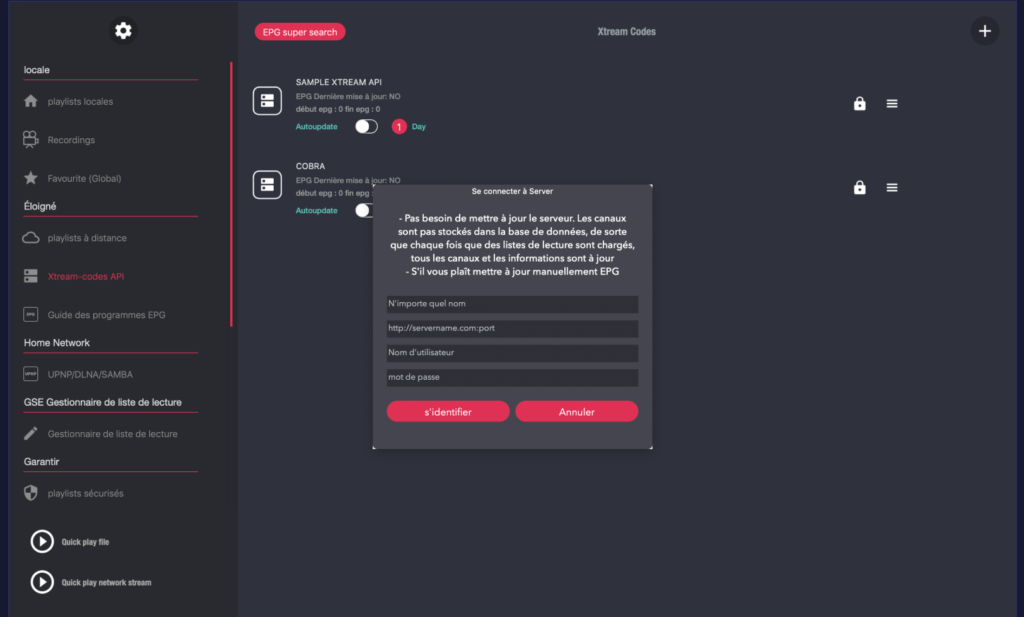
Next, click the Add icon (+) in the top-right corner to enter your information.
Fill in your subscription details: Name, Username, Password, and Server URL.
Click Log in to save your access credentials.
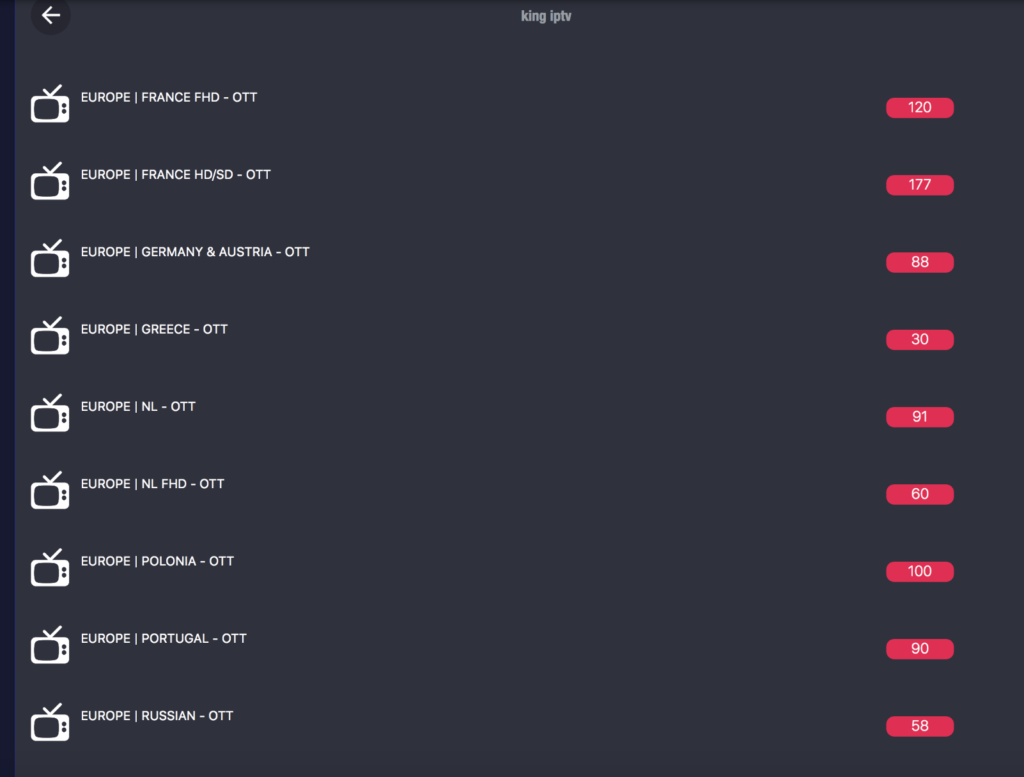
Finally, select your playlist name to display the channels.
Method 2
After installation, open the application and navigate to the left-hand menu.
Click on Remote Playlists.
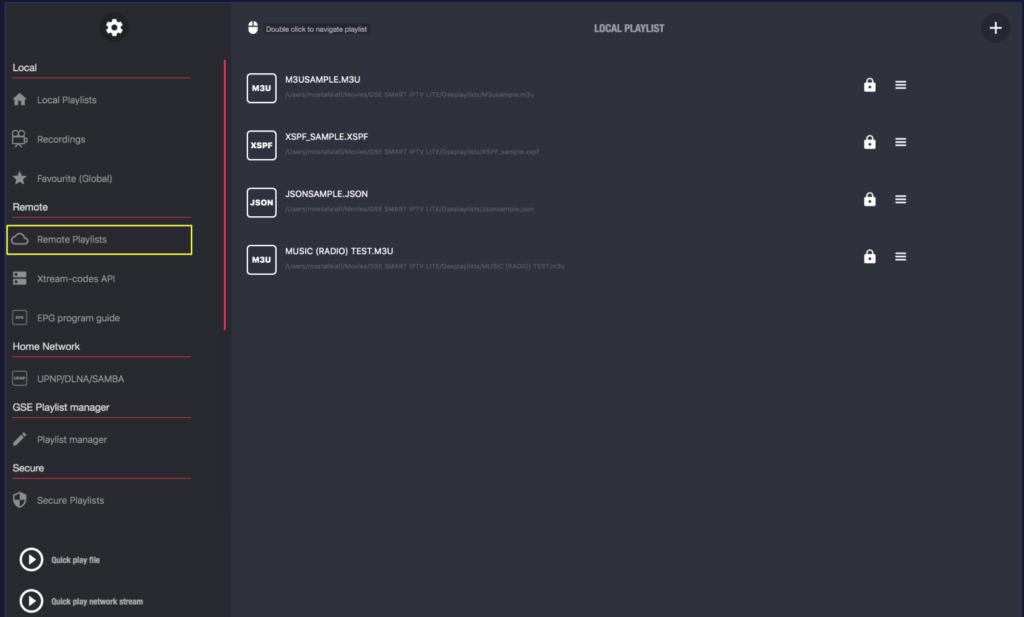
Next, click the Add (+) icon in the top-right corner to enter your information.
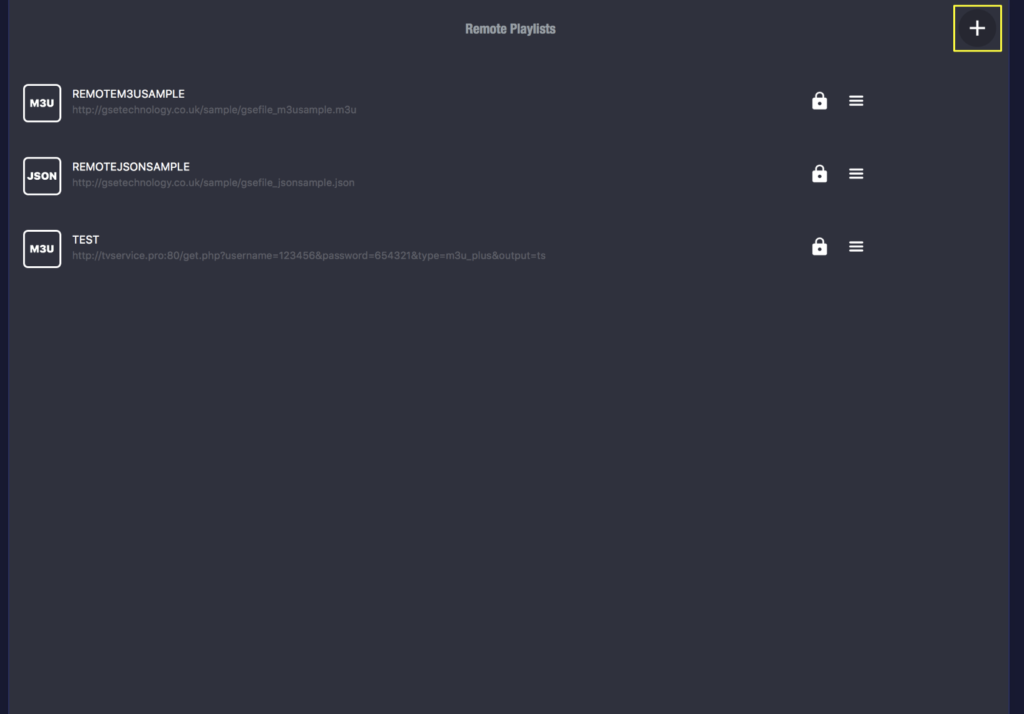
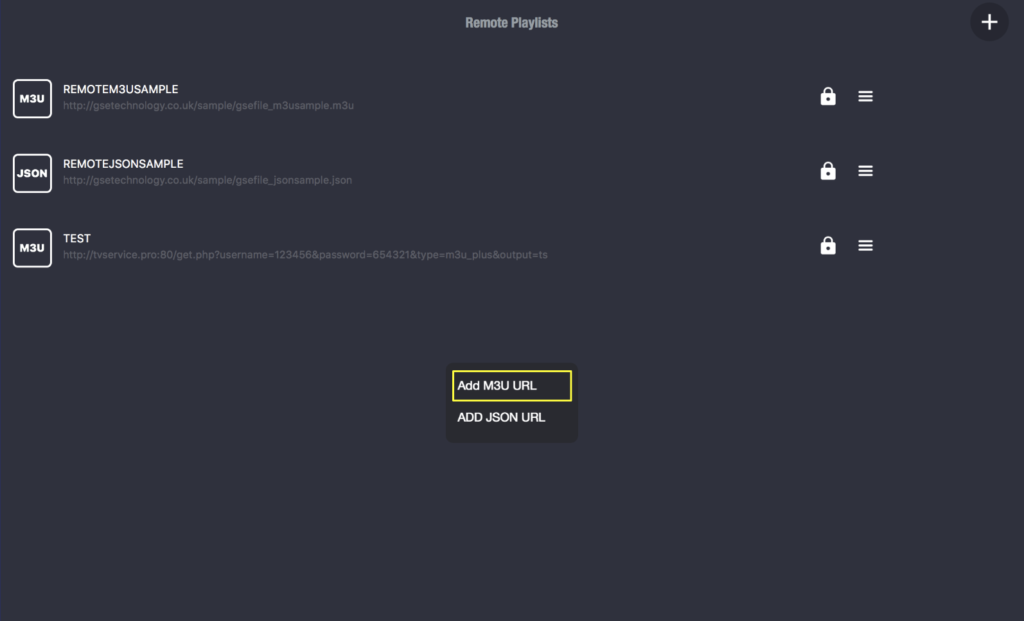
Clik On Line M3U URL
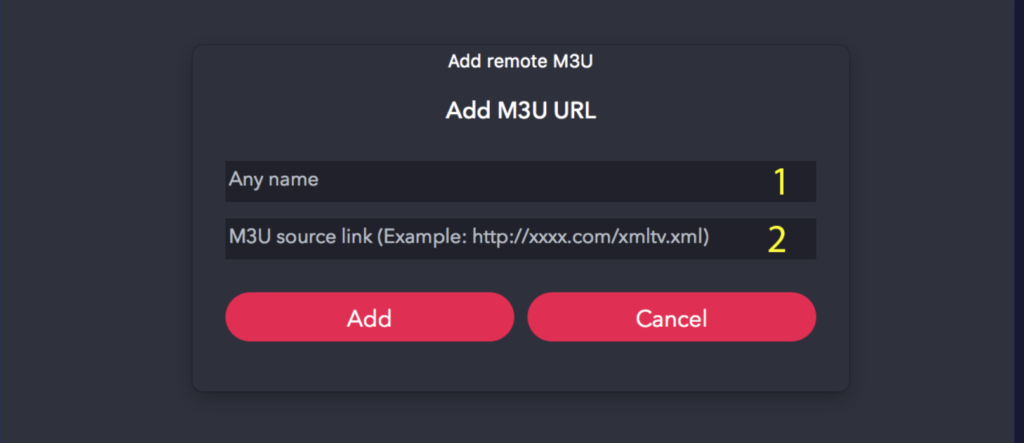
Enter any name, then paste the M3U link provided by our service
Click on your playlist name.
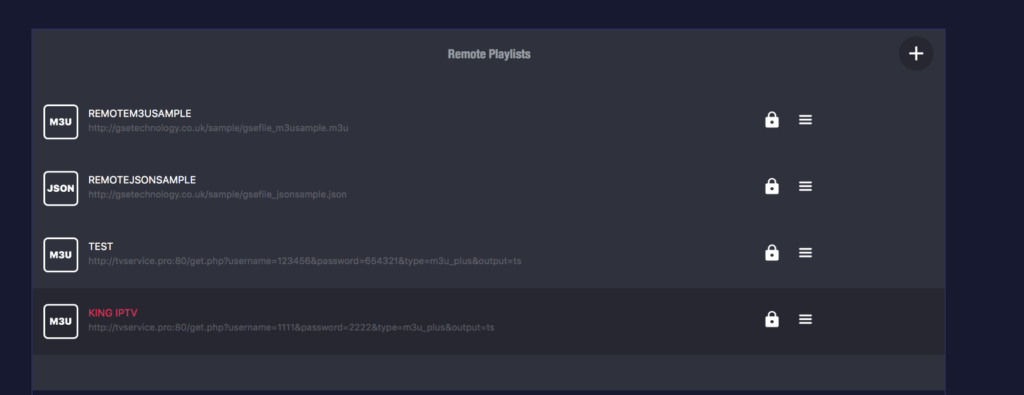
Enjoy the live channels!
Now is the perfect time to purchase an IPTV subscription for GSE SMART IPTV — order here: https://subscription-iptv.us/